Using Excel charts to create a cityscape for an illustration
Hi all. After a bit of rest I managed to finish off this post and video for you. My arm and shoulder
Hi all. After a bit of rest I managed to finish off this post and video for you. My arm and shoulder
Hi all, This post starts off with a chat about an application called Sculptris and then talks about a texture pack that I highly recommend for anyone looking at creating affordable, high quality book art. Sculptris I had originally intended to write a little piece about a
I now have a “photo” map of what Shade looks like. The combination of Bryce and Photoshop was great. I also spent a lot of time referencing Google Maps to get a sense of colours and geography. Notice that since my previous pictures of the map I have flipped it to its true east-west direction. I also decided to crop off any bits of geography not used in the story,
So the last time you looked my map looked like this: But I was unhappy with the progress. I felt that the mountains were not as impressive as I wanted them – and also looked
I am still working on my map and will show the progress so far at the end of this post. But I also continue to write the novel and research ideas relating to it. Indeed, in respect to Tempting in Shade I have reached 411 pages and can perceive that it is likely to end up almost double that. Will my mid-2015 deadline fall? I would not be surprised if
I love to create, but I am also
Back on to the creation of the cover. As I said in my previous post, my designer Paul Deuis of Jethryk (http://www.jethryk.com.au) guided me superbly in what I needed to give him. In this post I’ve included
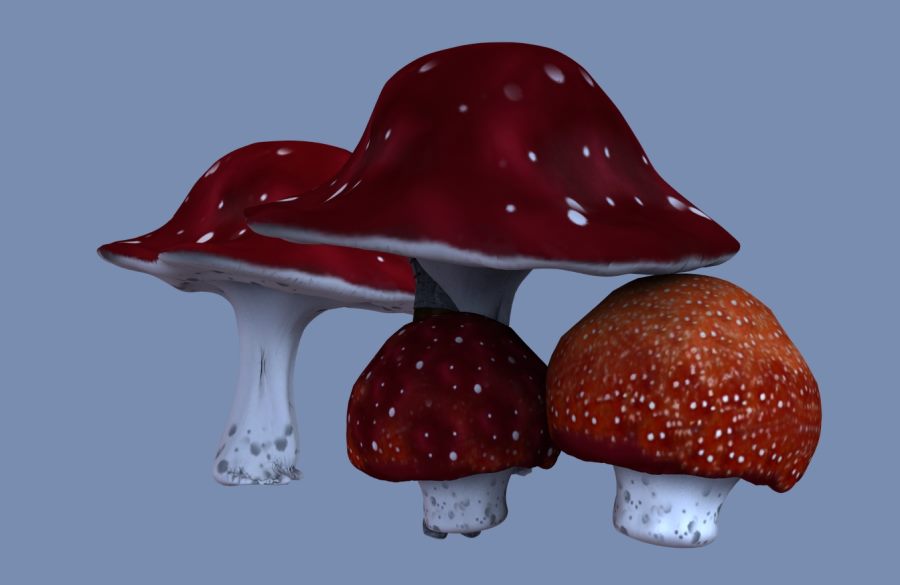
I am placing this post between parts one and two of “Creating the cover of my novel.” This is because I want to demonstrate how easy the creation of a simple image can be with a tool like DAZ Studio. (I feel like a magician revealing tricks of the trade) DAZ Studio is a free (yes, free!) piece of software that permits the user to arrange and pose 3D models.