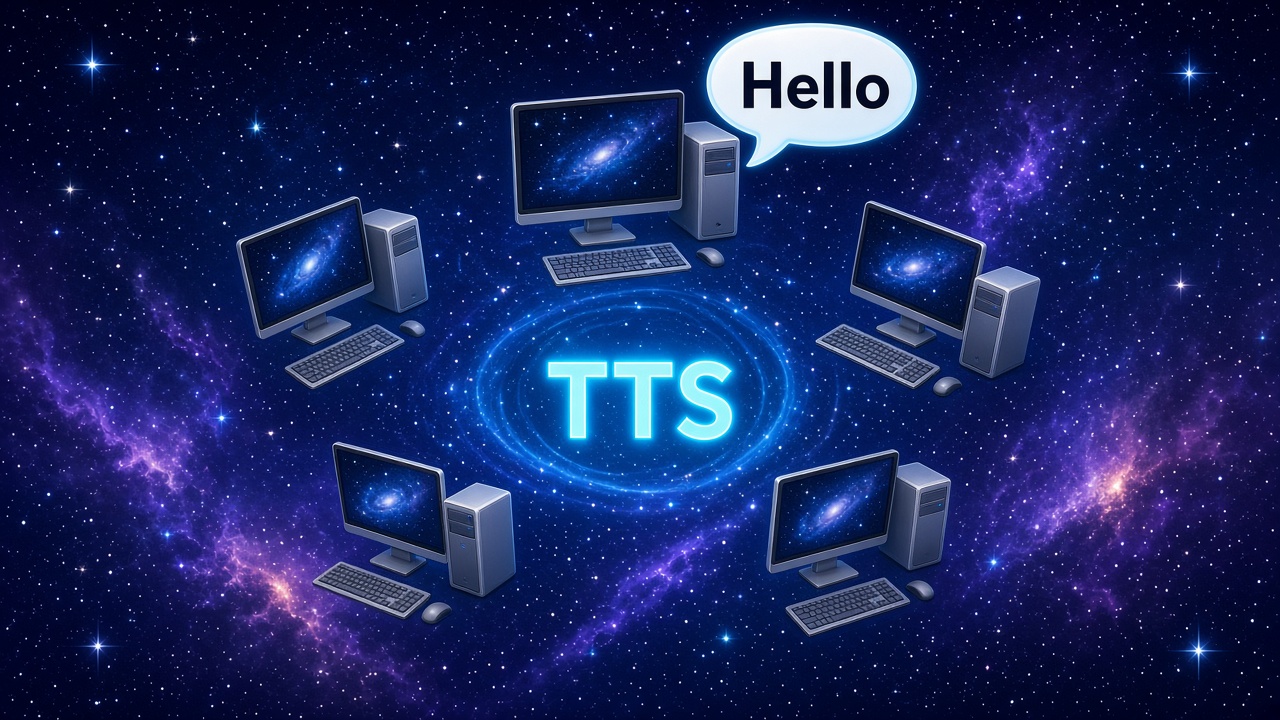
I obviously spent too many childhood years watching television shows where AIs had disembodied voices. ZEN and ORAC from Blake’s Seven were among my favourites. I guess I feel like they bring life to AI. So naturally I want that. Yep – sure, I can talk with any number of AIs these days (think Siri, Alexa, etc). Still, I wanted to do it myself on my network for the Companion system I am designing, the one that runs as a distributed system across a network. In building a local-first companion that spans multiple machines, I decided that voice synthesis shouldn’t be tied to a single box. The goal is simple: run the heavy parts where the hardware is, and let the user decide.
The Problem
XTTS v2 sounds great. It’s expressive, multilingual, and does a decent job of voice cloning. The catch is it’s GPU-hungry. In my setup, the primary computer has a GPU with 16GB of VRAM, while my prehistoric “server” (actually an old PC that I use as a media server) runs the web UI and API for easier access from other devices.
Hardcoding “XTTS always runs here” into the app doesn’t scale. Different homes will have different layouts. Some might run everything on one machine; others might spread it across three or more. The system needs to be able to route voice synthesis to whatever node makes sense.
The Solution: A Tiny HTTP API
Rather than baking XTTS directly into the web server, I wrapped it in its own minimal FastAPI service. The implementation lives in `tools/xtts_server.py`. It exposes just what I need:
- `GET /health` – quick check to see if the model is loaded
- `GET /speakers` – list available built-in speakers
- `POST /tts` (and `/api/tts`) – take text, speaker, language and return raw WAV audio
The model loads lazily on first request, runs on CUDA by default, and is controlled via environment variables (`XTTS_DEVICE`, `XTTS_PORT`, `COQUI_TOS_AGREED`). I run it as a user systemd service on BackOffice so it starts with the session and restarts on failure.
Wiring It Into Companion
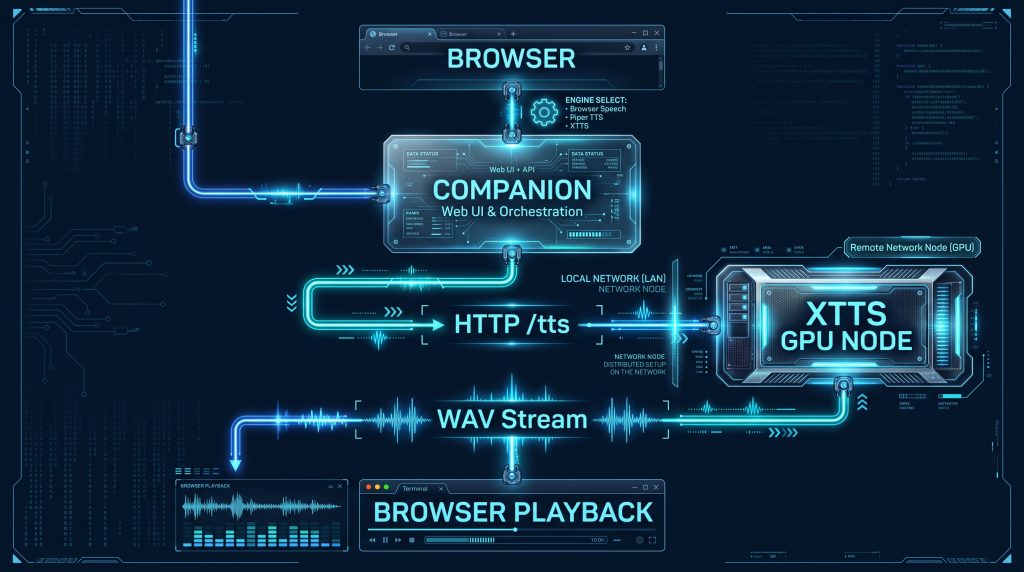
On the Companion side, the web UI already had an XTTS option. Now it can point at a remote XTTS node. I added `xtts_url` to the server config so the UI can flip between “browser speech”, Piper (local to the API node), or XTTS on any reachable machine. I guess I could add other TTS apps too. The flow is straightforward:
- User picks a voice engine and server in settings
- For XTTS, the request goes to `http://<xtts-host>:8020/tts`
- The XTTS node synthesizes and streams WAV back
- The browser plays it
Lessons Learned
Keep it stupid small. No queueing, no auth, no database. Just synthesize and stream. If you need more, add it later.
Make it swappable. Every service (LLM, embeddings, STT, TTS, vectors) needs its own “backend URL”. Don’t couple them.
Lazy load. XTTS takes a while to warm up. Lazy loading keeps boot times sane and makes health checks honest.
Respect the terms. Coqui’s TOS needs acknowledging. An env var in the service unit is clean enough for a local-only setup.
Plan for discovery. Right now it’s manual configuration. The next step is mDNS/SSDP or a simple service registry so the UI can auto-populate available voice servers on the network.
What’s Next
The immediate win is done – XTTS runs on my primary PC and Companion can use it. From here, the natural extension is the distributed architecture I just added to FUTUREPLANS (my planning document): network discovery, per-service routing, and health-aware failover. Voice is just the first workload to prove the pattern. The same idea will apply to Ollama, Whisper, embeddings, and anything else we spread across the network.
*Truth over polish. Run it where it fits. Let the user choose.*