Another restored story from my old blog. This is dated 12 June 2016. At the time, I was still recovering physically from a cornea transplant and emotionally from a redundancy. This said, I recall some good aspects. Rhiannon – my daughter – had just started High School, and my wife was working. So I got to be the house-husband. I loved it. I had all the housework completed by noon, then spent the afternoons job hunting before picking Rhiannon up from school. I got to spend quality time with her, and that was invaluable.
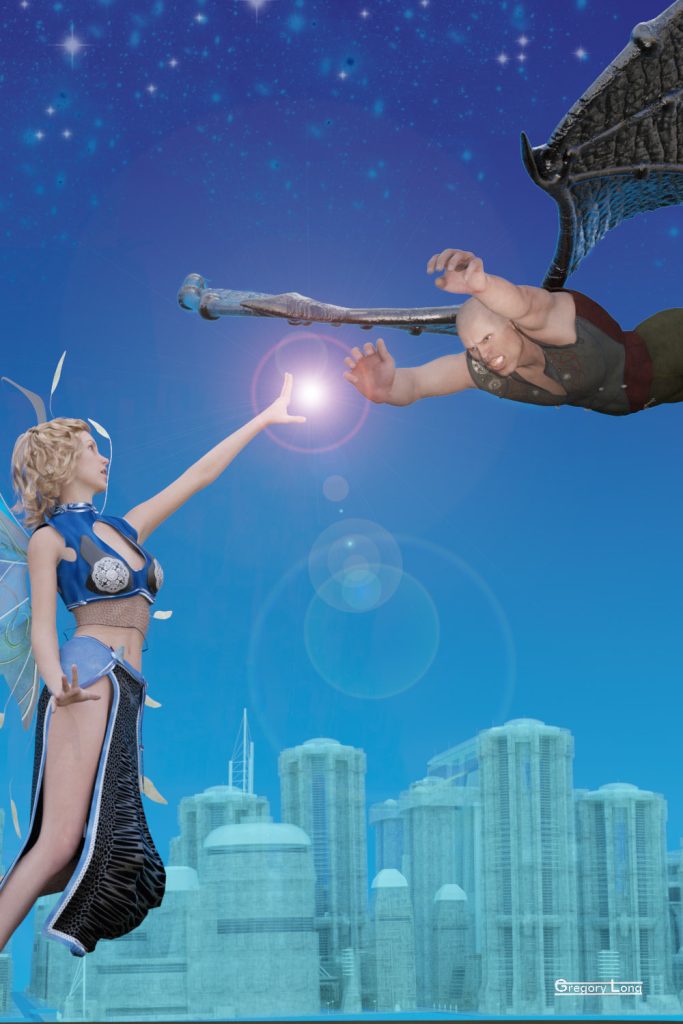
My twelve‑year‑old daughter is trying to write her own fantasy novel. So she came to me to design some artwork for its cover.
“What do you want on the cover?” I asked.
“A fairy fighting a demon in front of Sparkle City.”
“What does the fairy look like?”
She pondered for a while. “Fairy wings, blue clothes, and blond hair.”
“The demon?”
“Um… leathery wings and black clothes.”
Alas, wings are not in my collection of 3D objects, and I was sure that it would be easier to buy some than make them. So I popped over to the DAZ store and, with Rhiannon’s help, picked two wing packs that suited the need. These were:
- Fluttery Wings for Genesis 2 Female(s)
- Universal Demon Wings for Genesis
Here is my stage setup in DAZ Studio.
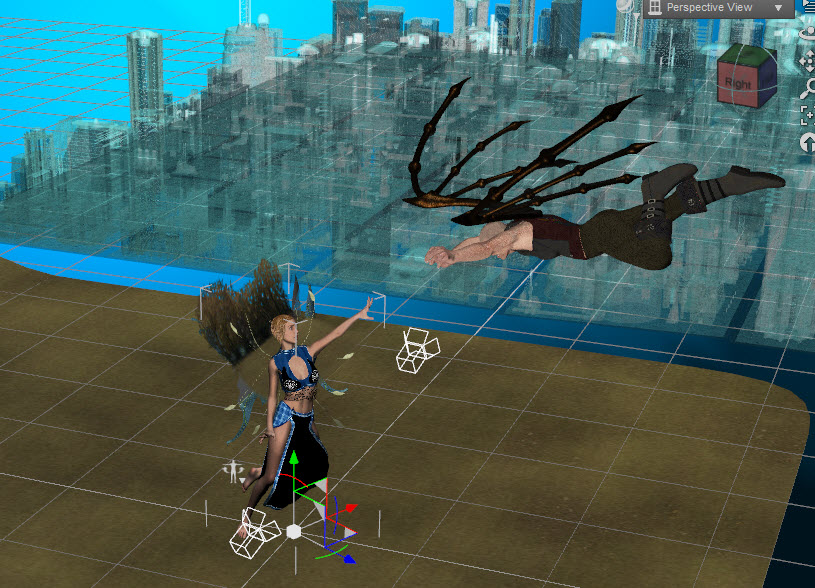
The model city is Dystopia 6×6. I love these Dystopian city models. They are very useful. In this case, I changed their diffuse, specular, and ambient colours to a pale blue and also made their opacity 38%.
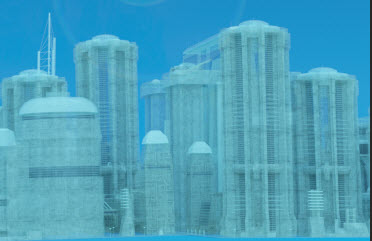
The Iray render ended up like this:
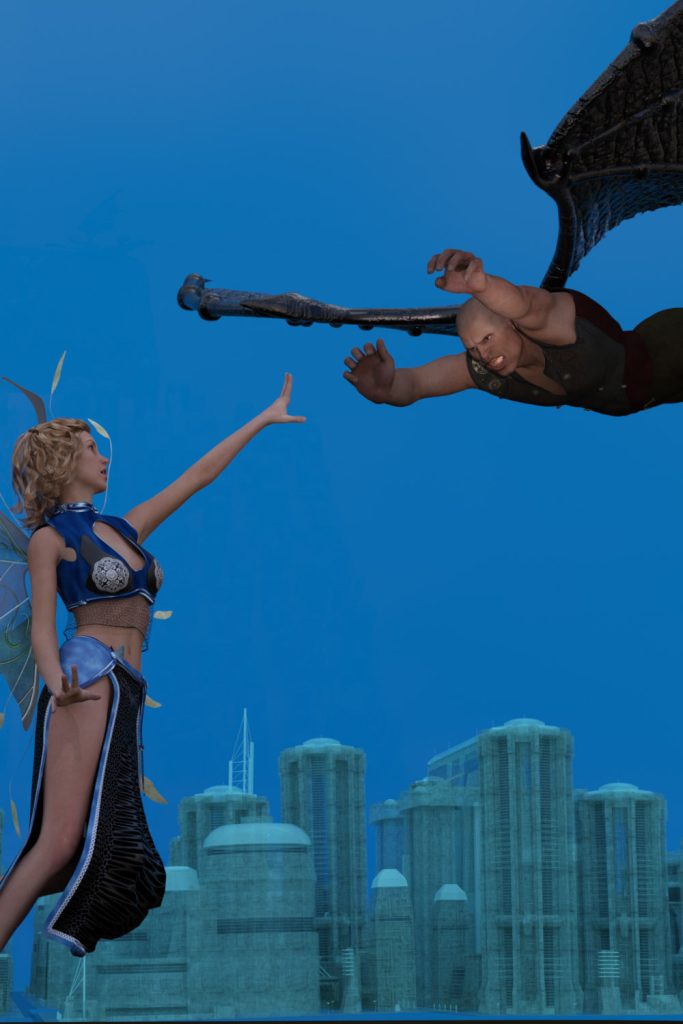
So now it was time to do some Photoshop magic.
To cut a long story short, I did the following:
- changed the levels to make the characters paler and therefore “pop” out
- added a gradient layer to make the sky darker at the top
- added two star field layers (one for the further paler stars and one for a few closer brighter ones)
- added a lens flare (I know lens flares are not cool, but I love them anyway)
And voilà!